How SimplyHRA Works with Gusto: Employee Data, ACH & Pre-Tax Payroll
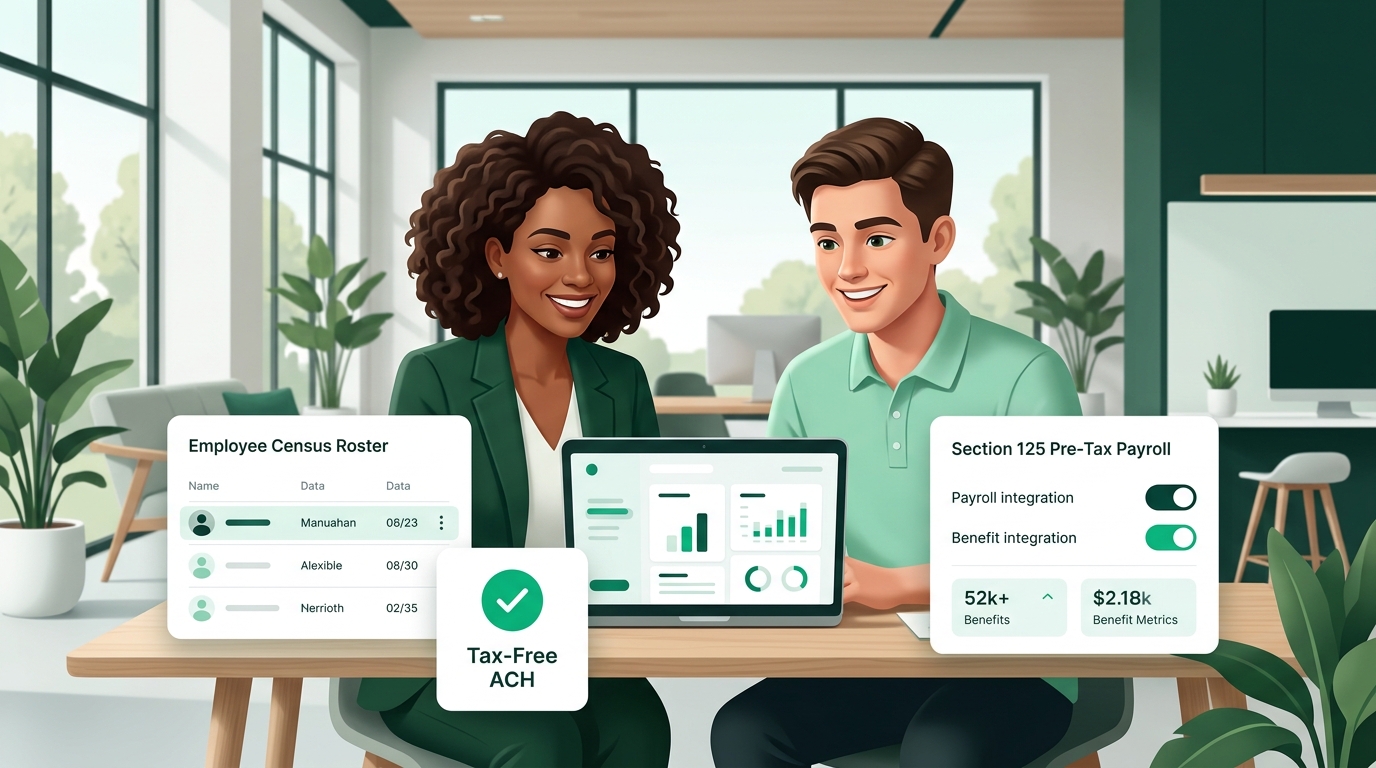
If your company runs payroll on Gusto and wants to provide tax-free healthcare allowances without the unpredictable rate spikes and participation minimums of traditional group plans, an Individual Coverage HRA (ICHRA) is the modern standard. While Gusto offers traditional group health insurance through its internal brokerage, employers do not need a complex API plugin to offer an ICHRA. Instead, SimplyHRA works cleanly alongside Gusto using native, standard payroll workflows: exporting employee census rosters, categorizing tax-free reimbursement ACHs, and establishing pre-tax Section 125 cafeteria plan deductions.
Quick Summary: How SimplyHRA Works Alongside Gusto
- No Brittle API Integration Required: SimplyHRA operates on independent payment rails. You never have to share Gusto master admin credentials, configure OAuth webhooks, or pay third-party API sync fees.
- Three Simple Native Touchpoints: 1) Export standard employee census data from Gusto into SimplyHRA; 2) Categorize monthly health reimbursement ACH transactions as tax-exempt; and 3) Configure pre-tax Section 125 cafeteria deductions in Gusto when employee premiums exceed employer allowances.
- Budget Certainty: Employers set fixed monthly allowances (e.g. $400/month), avoiding the 8% to 18% annual renewal increases typical of traditional small group health carriers.
Pillar 1: Exporting Employee Data from Gusto to SimplyHRA
To establish an ICHRA, an employer must define eligible employee classes (such as full-time, part-time, salaried, hourly, or geographic rating areas) under 26 CFR § 54.9802-4. SimplyHRA needs basic demographic information to calculate compliant allowance structures and verify marketplace affordability safe harbors.
Rather than manually typing employee details, employers use Gusto's built-in export functionality to generate a clean roster in under two minutes.
Step-by-Step Roster Export in Gusto:
- Log in to your Gusto Employer Dashboard.
- Navigate to the left navigation menu and click Reports → Custom Reports (or navigate to Settings → Employees).
- Create a report titled "SimplyHRA Census Export" and select the following employee attributes:
- Legal Name: First and Last Name
- Date of Birth: Required for age-banded affordability safe harbor calculations
- Home Residential ZIP Code & State: Required to identify the employee's local ACA rating area and Second Lowest Cost Silver Plan (SLCSP)
- Employment Status: Full-Time, Part-Time, Seasonal, or Contractor
- Department / Location: Matches your defined ICHRA employee classes
- Work Email: For automated employee onboarding and invitation links
- Click Generate Report and download the resulting file as a CSV.
- Log in to your SimplyHRA Employer Portal, navigate to Onboarding & Census, and upload the CSV file. SimplyHRA automatically maps the headers, groups employees into their assigned classes, and generates compliant plan enrollment documents.
Pillar 2: Categorizing ACH Transactions & Health Reimbursements
One of the primary benefits of using SimplyHRA is payment independence. Traditional benefits administrators often require employers to run every reimbursement through payroll batches, adding administrative overhead and confusing tax reporting. SimplyHRA offers multiple funding rails while keeping accounting completely transparent.
Workflow A: Direct Automated ACH Reimbursement (Recommended)
In this streamlined model, SimplyHRA manages the entire reimbursement workflow independently of your payroll calendar:
- Employees upload their monthly health insurance premium proof (carrier invoice, bank receipt, or payment confirmation) to their secure SimplyHRA portal.
- SimplyHRA’s automated adjudication engine verifies that the coverage meets ACA Minimum Essential Coverage (MEC) standards under IRC Section 105.
- Approved reimbursement amounts are drawn directly from the employer’s designated operating bank account via secure ACH and deposited into the employee's checking account.
- General Ledger Reconciliation: In your accounting software (QuickBooks, Xero, or NetSuite synced with Gusto), the SimplyHRA ACH bank debit is categorized as "Employee Benefits Expense — Health HRA (IRC § 105)". Because these reimbursements are 100% tax-free, they do not trigger payroll taxes, state unemployment taxes, or federal withholding.
Workflow B: Processing Non-Taxable Reimbursements Through Gusto Payroll
If your finance team prefers to combine all employee disbursements into standard payroll direct deposits, you can pass SimplyHRA approved totals into Gusto using a custom non-taxable earning code:
- At the close of each monthly claims window, export the Monthly Payroll Reconciliation CSV from SimplyHRA.
- In Gusto, navigate to Settings → Pay Items → Custom Pay Types.
- Click Add Custom Earning and select Reimbursement (or Non-Taxable Health Reimbursement).
- Under tax treatment settings, confirm that Gusto classifies the item as Exempt from All Taxes (exempt from Federal Income Tax, Social Security, Medicare, FUTA, and State Income Tax).
- When running regular payroll, enter the SimplyHRA approved reimbursement amount into this custom line item. The reimbursement is added to the employee's net check without inflating their taxable gross wages or Form W-2 Box 1 compensation.
Pillar 3: Setting Up Section 125 Cafeteria Plans in Gusto
In an ICHRA, an employer provides a fixed monthly allowance—for example, $400 per employee per month. If an employee chooses a Silver plan costing $400, their net cost is zero. But what happens if an employee selects a richer Gold plan costing $550 per month?
The employee is responsible for the $150 variance. Under federal rules, employers can allow employees to pay this variance using pre-tax salary deductions through an IRC Section 125 Cafeteria Plan.
Under federal regulations published by the IRS and CMS (45 CFR § 155.200), pre-tax salary deductions through a Section 125 Cafeteria Plan are permissible only for individual health insurance plans purchased outside the public health insurance exchange (off-exchange). Individual plans purchased directly through HealthCare.gov or state marketplaces cannot be paid via pre-tax payroll deductions. SimplyHRA provides compliant Section 125 plan documentation and employee guidance to ensure your plan follows this distinction.
Step-by-Step Configuration in Gusto:
- In your Gusto Employer Dashboard, navigate to Settings → Deductions & Contributions (or Benefits → Add Custom Benefit).
- Select Add Custom Deduction and set the category to Pre-Tax Medical / Health Insurance.
- Name the deduction "ICHRA Employee Premium Share (Section 125)".
- Select the deduction frequency matching your pay cycle (e.g. split evenly across 24 semi-monthly or 26 bi-weekly payroll runs).
- Assign the specific monthly deduction amounts for employees whose individual health premiums exceed their SimplyHRA monthly allowance.
Financial Impact of Section 125 Salary Reductions
| Participant | Without Section 125 (After-Tax) | With SimplyHRA + Gusto Section 125 (Pre-Tax) | Direct Tax Advantage |
|---|---|---|---|
| Employee | Pays $150/mo out of take-home pay after 25%–35% tax withholding. | $150/mo deducted from gross pay before income and FICA taxes. | Saves $450 to $630 / year in individual federal, state, and FICA taxes. |
| Employer | Pays standard 7.65% employer FICA tax on full employee gross salary. | Gross taxable payroll is reduced by the $150 monthly deduction. | Saves 7.65% ($137.70 / employee / yr) in employer payroll taxes. |
Why SimplyHRA + Gusto Beats Traditional Group Insurance
| Feature | Gusto Traditional Group Health Plans | SimplyHRA Working Alongside Gusto |
|---|---|---|
| Cost Predictability | Carriers impose 8% to 18% unpredictable annual renewal rate spikes. | 100% budget control: Employer defines fixed monthly contribution caps. |
| Participation Requirements | Mandates 70% to 75% minimum enrollment across eligible workers. | Zero minimum participation rules: Viable even for 1 single employee. |
| Employee Choice | Limited to 1 or 2 one-size-fits-all carrier networks. | Employees choose from all available individual ACA plans in their ZIP code. |
| Multi-State Teams | Complex and costly out-of-state group network riders. | Seamless: Employees pick local carriers in their home states without friction. |
| Administrative Overhead | Requires annual open enrollment broker negotiations and carrier forms. | Automated census upload, digital plan notices, and turn-key claims verification. |
Ready to Modernize Your Health Benefits on Gusto?
SimplyHRA gives employers complete cost predictability with zero carrier lock-in, automated compliance guardrails, and flat $29 PEPM pricing with no setup fees.
Schedule a Consultation → View Transparent PricingFrequently Asked Questions About SimplyHRA and Gusto
Does SimplyHRA require an API integration with Gusto?
No. SimplyHRA operates on independent payment and compliance rails. You do not need to install an app from the Gusto App Directory, grant API tokens, or manage brittle webhooks. You simply export your standard employee census CSV from Gusto during onboarding, and use Gusto's native custom pay types or pre-tax deduction tools for monthly payroll reconciliation.
Are ICHRA reimbursements subject to payroll taxes in Gusto?
No. When administered under an IRS-compliant ICHRA plan document through SimplyHRA, health insurance reimbursements are completely excluded from employee gross income under IRC Section 105(b). They are exempt from federal income tax, state income tax, Social Security, and Medicare taxes, and do not appear in Box 1 of Form W-2.
Can employees use pre-tax payroll deductions in Gusto for their share of individual health premiums?
Yes, provided the employee purchases an individual health insurance policy outside the public exchange (off-exchange). Under IRC Section 125, employers can deduct the difference between the employee's premium and the employer allowance on a pre-tax basis. Policies purchased on HealthCare.gov or state exchanges cannot be paid via pre-tax deductions.
What happens when a new employee joins Gusto?
When you hire a new employee in Gusto, simply add them to your SimplyHRA portal using their name, date of birth, home ZIP code, and employment class. SimplyHRA generates their mandatory 90-day written notice and guides them through their 60-day Special Enrollment Period (SEP) to select an individual health plan.
Related blogs
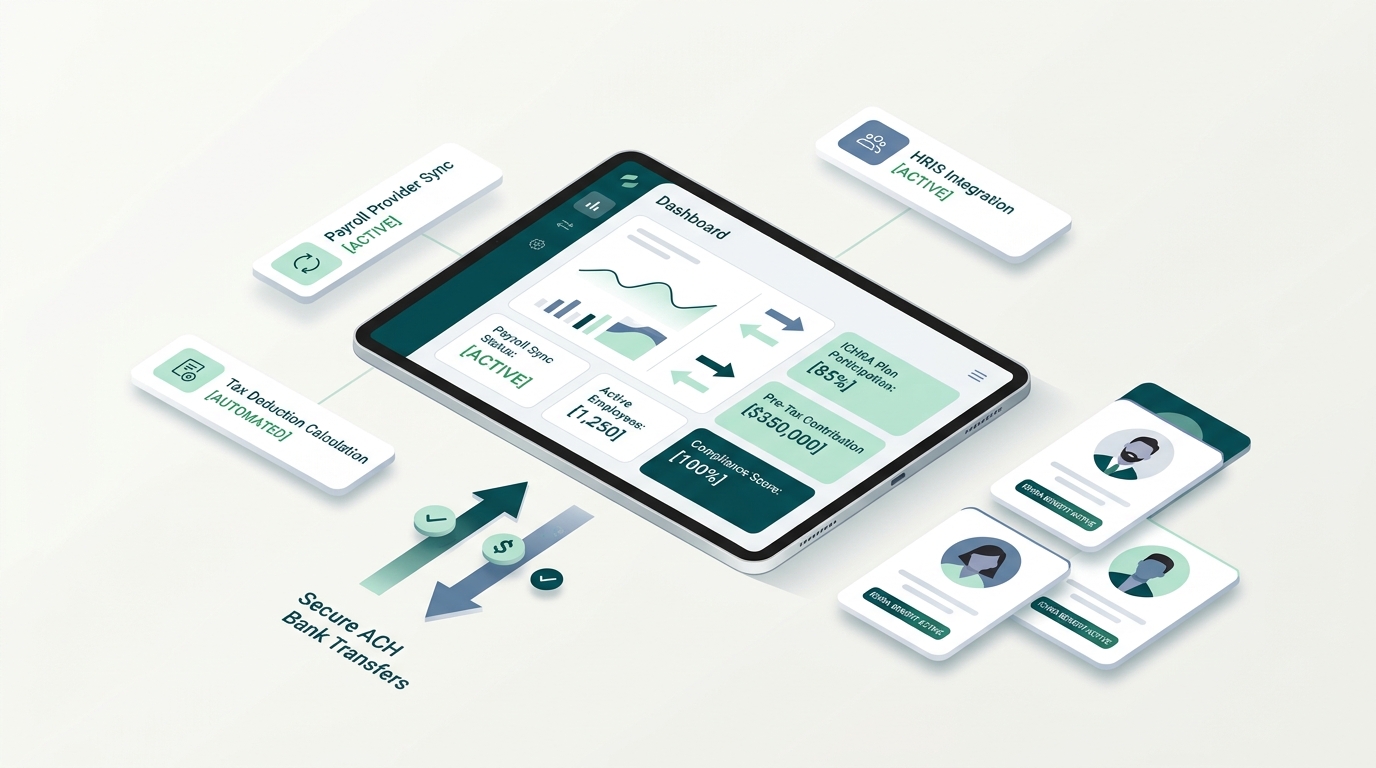
How to Manage an ICHRA with Your Payroll and HRIS (Gusto, ADP, Rippling & QuickBooks)
Maximizing ICHRA Benefits: 12 Strategies That Work in 2026