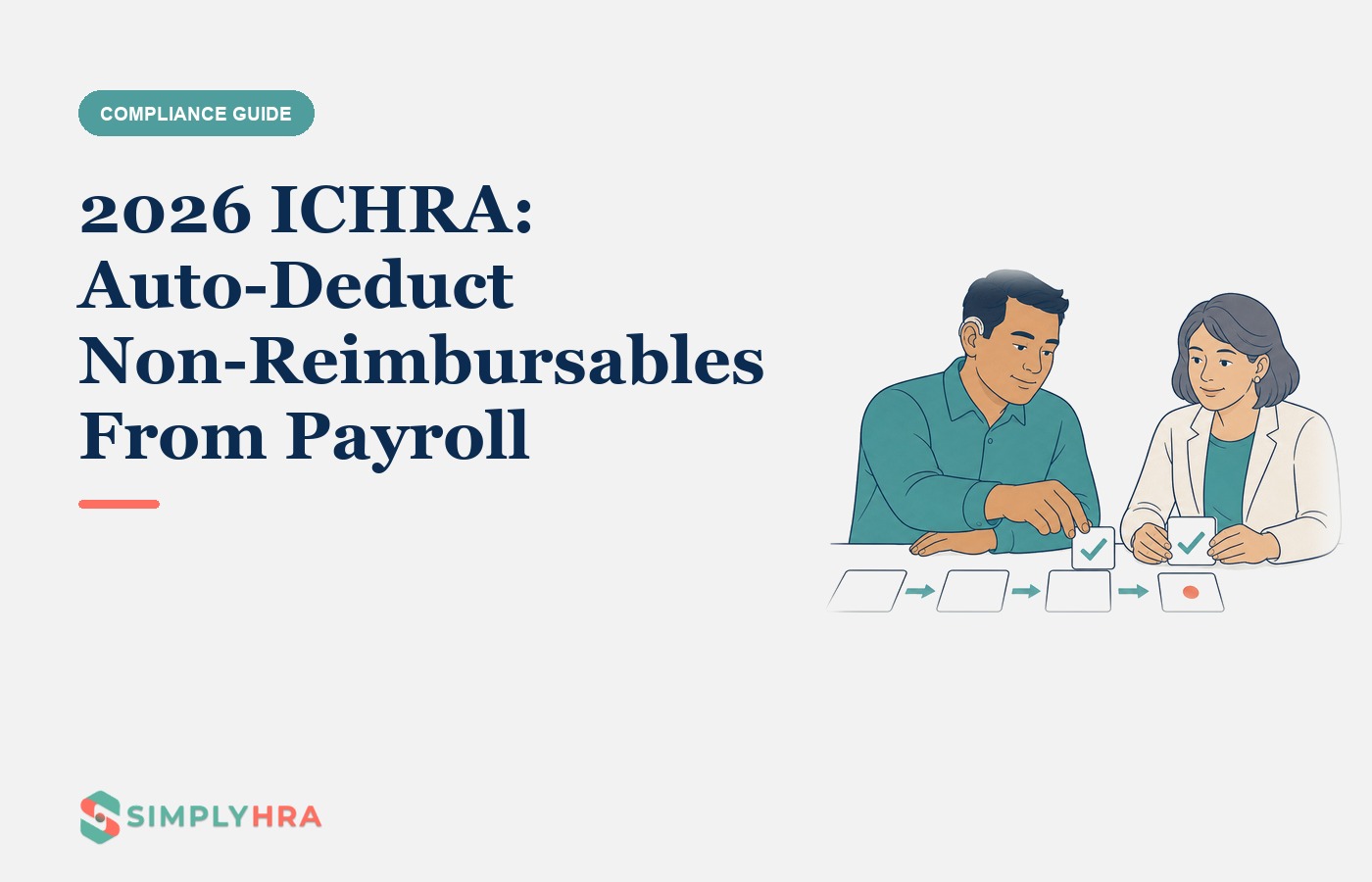
2026 ICHRA: Auto-Deduct Non-Reimbursables From Payroll
Offering an Individual Coverage HRA (ICHRA) is a fantastic way to give your employees flexible, personalized health benefits. But if you’re an HR manager or business owner, you might be worried about the administrative work. Manually tracking who gets reimbursed for what, and then making sure any employee premium contributions are collected, can quickly become a major headache.
CHOICE (Custom Health Option and Individual Care Expense) Arrangement is the current name for what was previously referred to as an ICHRA (Individual Coverage Health Reimbursement Arrangement). This page uses both terms.
The good news is that there’s a modern solution. This guide explains how to purchase ICHRA that auto deducts non reimbursables from payroll. By connecting your ICHRA administration software directly to your payroll system, you can automate the entire process, saving time and eliminating errors. Let’s break down how it works.
What is ICHRA payroll-ready data export?
ICHRA payroll-ready data export is the connection between an ICHRA administration platform and your company’s payroll software. This digital handshake allows the two systems to sync data automatically. Instead of your HR team manually entering reimbursement amounts or deductions into every paycheck, the integration handles it instantly.
This is a game changer because ICHRA payment amounts can change for each employee every month. A bidirectional integration ensures these adjustments are made accurately and without any manual effort. It relieves a significant administrative burden. A recent survey found that 64% of HR leaders spend four to nine hours every week just manually entering data between disconnected systems. With ICHRA adoption on the rise, having a streamlined, automated process is more important than ever.
Modern ICHRA platforms like SimplyHRA are built around this very concept, using payroll-ready data export to automate reimbursements and deductions.
Managing ICHRA Payments Through Payroll
When your ICHRA is works alongside any payroll or HR system with no integration required, you create a simple, one stop cycle for all health benefit funds. Here’s what that looks like:
Reimbursements: Approved employee health expenses (like insurance premiums) are added directly to their regular paycheck as a tax free line item. Employees don’t have to wait for a separate check; the money arrives predictably with their pay.
Deductions: If an employee’s insurance premium costs more than the company’s ICHRA allowance, the difference is automatically taken out of their paycheck.
This approach makes the entire process transparent and convenient. Employees see all the activity on their pay stub, and they don’t have to worry about fronting the full cost of a premium and waiting weeks to be paid back. It creates an experience that feels a lot like a traditional group plan, where the employer handles the payment logistics behind the scenes.
How to Purchase ICHRA That Auto Deducts Non Reimbursables and Premiums
Finding a solution for how to purchase ICHRA that auto deducts non reimbursables from payroll involves choosing an administrator whose platform offers deep, two way payroll-ready data export. For a step‑by‑step rollout, see how to implement ICHRA for a small business.
Automated Deductions for Premium Balances
The “premium balance” is the portion of an employee’s health insurance premium that isn’t covered by your ICHRA allowance. An automated system calculates this difference and instructs the payroll software to withhold the correct amount from the employee’s pay. This ensures the employee’s share is paid on time, every time, without your team having to chase anyone for payment. The insurance carrier gets paid in full, keeping coverage active, and your records are always clean.
Automated Contributions for Reimbursements
On the flip side, an automated payroll contribution ensures the employer funded reimbursement is added to an employee’s paycheck without anyone on your team lifting a finger. The ICHRA software approves an employee’s expense, calculates the reimbursement amount, and writes that data directly into the next payroll run. This guarantees employees are reimbursed accurately and on schedule, which is a huge boost for employee satisfaction.
Combining Reimbursements and Deductions for a Seamless Experience
The most advanced systems combine these two functions to handle the entire premium payment process. The ICHRA administrator can pay the full premium directly to the insurance carrier on behalf of the employee. Then, your payroll process settles the transaction using the platform’s payroll-ready export by:
Adding the employer’s ICHRA allowance to the employee’s paycheck.
Deducting the employee’s share from the same paycheck.
This completely removes the “clunky reimbursement” process where employees have to pay out of pocket first. They choose their plan (and can use AI to pick your health plan), and then the payments are handled for them.
The Important Detail: Pre Tax vs Post Tax Deductions
When an employee’s premium costs more than their ICHRA allowance, the way their contribution is deducted depends on where they bought their insurance. This is a critical detail.
Off Exchange Plans: If an employee buys a plan directly from an insurance carrier (not from HealthCare.gov or a state marketplace), their premium contribution can be deducted on a pre tax basis. This is done through a Section 125 cafeteria plan and lowers the employee’s taxable income, saving them money.
On Exchange Plans: If an employee buys a plan from the ACA Marketplace, IRS rules prohibit using a pre tax deduction. Their contribution must be handled on a post tax basis, meaning it comes out of their net pay after taxes have been applied.
Under current law (as of 2026), pre-tax treatment is not permitted for On-Exchange (Marketplace) premiums purchased through an ICHRA. A good ICHRA administrator can help you and your employees navigate these rules.
The Smartest Approach: Using a TPA with Payroll Automation
The most reliable way to get this level of automation is to work with a specialized Third Party Administrator, or TPA. A TPA is an expert firm that handles the complex, day to day management of your ICHRA.
A TPA with payroll automation will handle key tasks for you, including:
Compliance: Managing plan documents, verifying employees have qualifying health coverage, and ensuring your plan follows all regulations.
Claims: Reviewing and approving employee reimbursement requests with proper documentation to keep the plan tax compliant.
Automation: works alongside any payroll or HR system: reimbursements, deduction guidance, and eligibility updates all run inside the platform, no integration required.
Platforms like SimplyHRA excel at this. They offer a solution for how to purchase ICHRA that auto deducts non reimbursables from payroll, streamlining everything from contributions to reconciling every dollar. This level of integration transforms a potentially complex benefit into a hands off, efficient solution for your business.
Ready to see how simple it can be? Schedule a personalized demo with SimplyHRA to see automated ICHRA administration in action.
Frequently Asked Questions. For a broader list beyond what’s covered below, visit the SimplyHRA FAQs.
1. How do I find an ICHRA provider that connects to my payroll system?
Look for a TPA or ICHRA administration platform that advertises direct payroll-ready data export. Administrators vary in how they hand reimbursement data to payroll, some publish a connector list, others provide exports. Check the vendor's own documentation rather than a third-party summary.
2. Can any ICHRA auto deduct non reimbursable expenses from payroll?
This is an advanced feature that not all providers offer. It’s a key part of finding how to purchase ICHRA that auto deducts non reimbursables from payroll. Before choosing a vendor, review the common mistakes to avoid when offering ICHRA.
3. Is it complicated to set up ICHRA payroll deductions?
With the right TPA, it’s not complicated at all. A quality administrator will guide you through a simple setup process to connect their platform to your payroll system, and their software handles the complex calculations and data transfers from there.
4. What happens if an employee buys a marketplace plan?
Their ICHRA reimbursement for the premium is still tax free. However, any portion of the premium they have to pay themselves must be deducted from their paycheck on a post tax basis.
5. Why can’t I just manage ICHRA reimbursements through payroll myself?
While technically possible, it opens your business to significant compliance risks. You would be responsible for HIPAA privacy rules, substantiating every claim according to IRS guidelines, and managing ERISA and COBRA requirements, which is why using an expert TPA is highly recommended.
Related blogs
Prefunding ICHRA Accounts Best Practices: 2026 Guide
Defined Contribution Allowance: ICHRA Rules for 2026